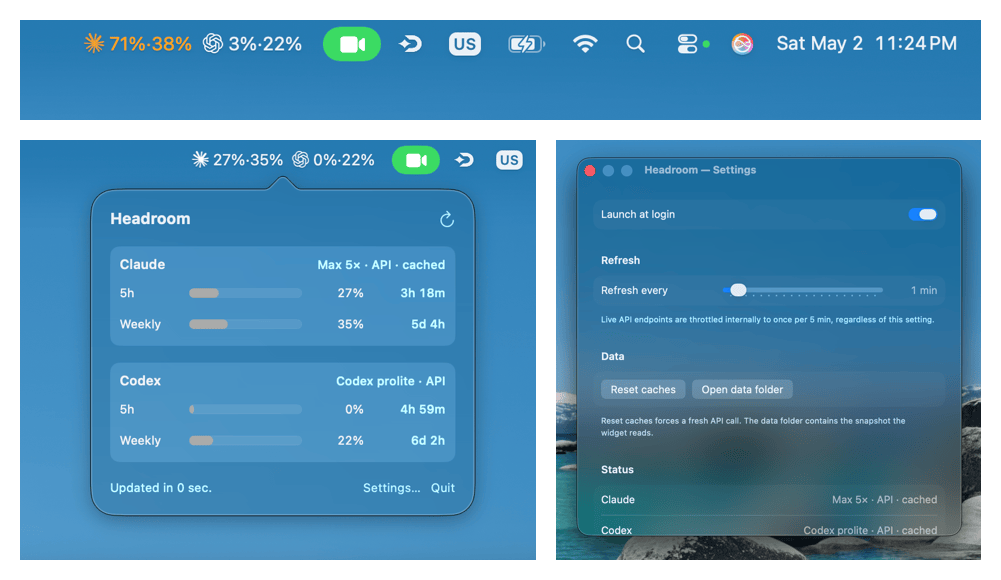
Your remaining 5-hour and weekly budget for Claude Code and Codex CLI.
Two percentages per provider, tinted green to red as you near the cap.
Click for exact reset times and your detected plan tier.
Glanceable on your wallpaper or in Notification Center.
xattr -dr com.apple.quarantine /Applications/Headroom.app
Headroom is unsigned (no paid Apple Developer ID), so Gatekeeper blocks it by default with “Apple could not verify…”. The xattr command above removes the quarantine flag that triggers that warning. On macOS Sequoia and later, this is the only way to launch — the old right-click → Open bypass no longer works.